Credit notes
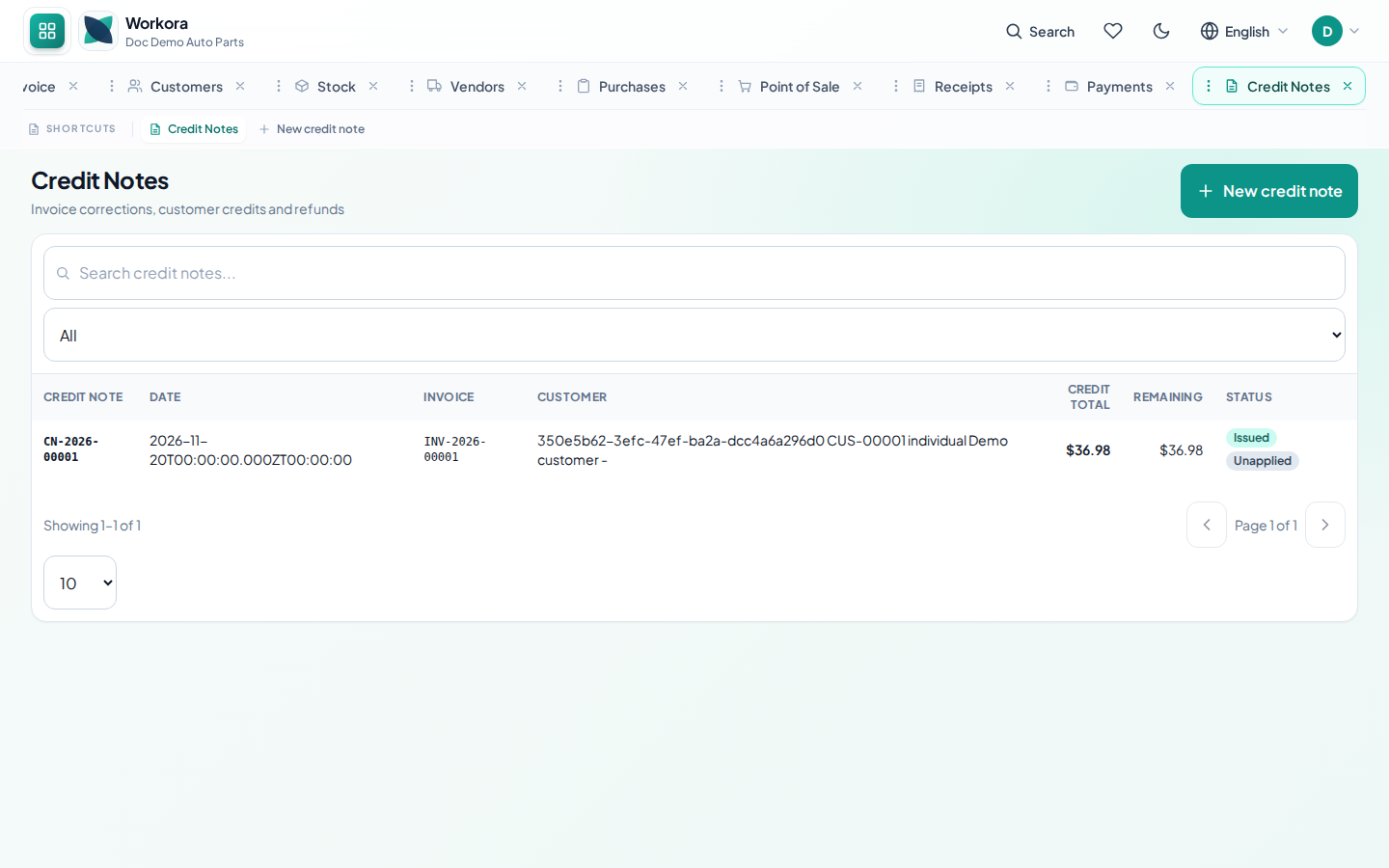
Issue a credit note against an invoice, apply it as credit or refund it without rewriting history.
Overview
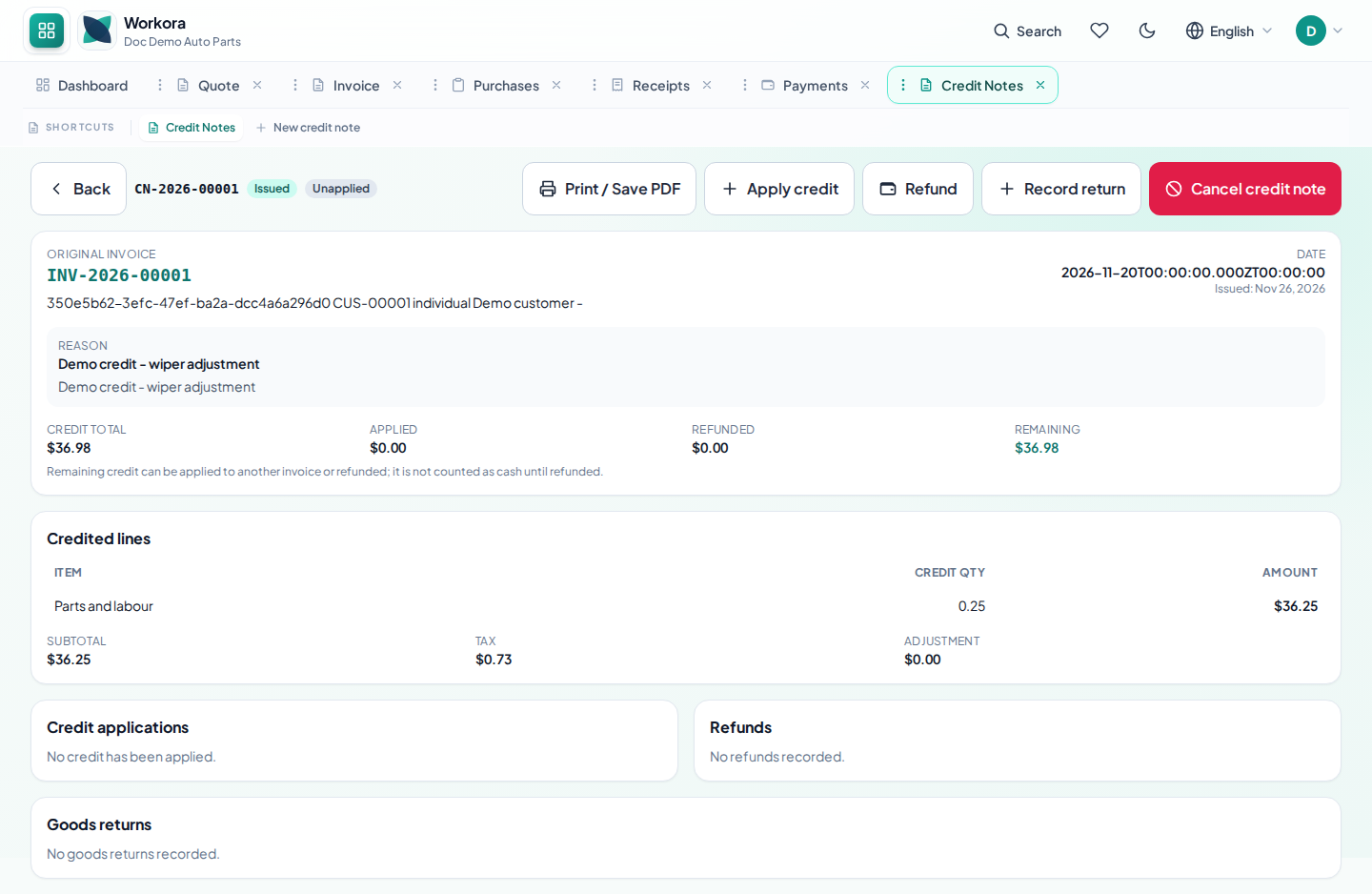
A credit note is a corrective customer document. Issuing one does not mutate the original invoice; it records the reason and amount. A credit note can be applied to reduce an invoice balance, refunded through a completed outflow payment, or linked to returned stock with an explicit decision step.
Who this is for
Accountants, owners and customer-service leads handling corrections.
Before you begin
Workora checks access on every request, so a screen only appears when your account is allowed to use it.
- Enable Credit Notes
The business and role must include the Credit Notes module.
- Have an issued invoice
Only eligible invoices can be credited.
- Decide the outcome
Choose whether the customer receives credit, a refund or a stock return.
Step-by-step guide
Use a credit note instead of editing an issued invoice.
- Open Credit notes
Go to Credit notes and choose New credit note.
- Choose the invoice
Select the issued invoice being corrected and enter the credit amount and reason.
- Add return lines
If goods are coming back, add the items and quantities to the return section.
- Save the draft
Review the amount before issuing.
- Issue the credit note
Issue it so the correction becomes part of the audit trail.
- Apply or refund
Choose Apply to reduce the invoice balance or Refund to create an outflow payment.
- Decide on returns
Approve or reject each return line. Approved returns update stock.
- Review in reports
Credit notes appear in the financial credit-note report and cash flow when refunded.
Screens and figures
The credit-note detail page keeps the correction and its outcome together.
Business use case
A damaged part is returned
A customer reports a damaged part. The office issues a credit note against the original invoice and adds the returned item. The owner approves the return, stock is restored and the customer receives a refund payment.
Result
The original invoice remains intact while the correction, refund and stock return are fully traceable.
Tips and common mistakes
- Never edit an issued invoice; issue a credit note instead.
- An issued credit note is separate from the refund payment; you decide when to refund.
- Only approved returns change stock, so review pending return decisions regularly.