FAQ
Find short answers to the questions that come up most often when using Workora.
Overview
These answers reflect the current v1.0 behaviour. For deeper instructions, follow the related module guide linked after each answer.
Who this is for
New users and anyone troubleshooting a confusing screen.
Before you begin
Workora checks access on every request, so a screen only appears when your account is allowed to use it.
- Check the module guide
Each answer links to a full guide.
- Confirm your role
Many apparent bugs are permissions working as designed.
Step-by-step guide
Scan the question that matches what you see.
- Why can’t I see a module?
Check your business role and the business entitlement in the App Center. Stock-dependent modules also require Stock.
- Why can’t I edit an issued invoice?
Issued invoices are immutable. Use a credit note to correct them.
- Why is my payment not in Cash Flow?
Only completed payments appear. Open the payment and choose Complete.
- Why did receiving a purchase not happen when I approved it?
Approval is a decision; receiving goods is a separate step that writes stock.
- Why is a public link not working?
Check that the source module is enabled and that you copied the full tokenized link.
- How do customers open my rental catalog?
Display the QR code from Rentals → Settings in public. Customers scan it with a phone camera and open the catalog without an account or login.
- Why did no Telegram message arrive for a rental request?
Only public catalog requests trigger messages. Check that the checkbox is on, a token and recipient are saved, and remember that delivery is best effort with no retries.
- Can staff delete the business?
No. Only the owner can delete the account and business, with a confirmation phrase.
- Can I mix currencies in one financial report?
No. Workora keeps financial totals separated by currency.
- Where do I download a backup?
Owners use Settings → Backup to download a ZIP of module CSV files.
Screens and figures
Check the App Center first when a module seems to be missing.
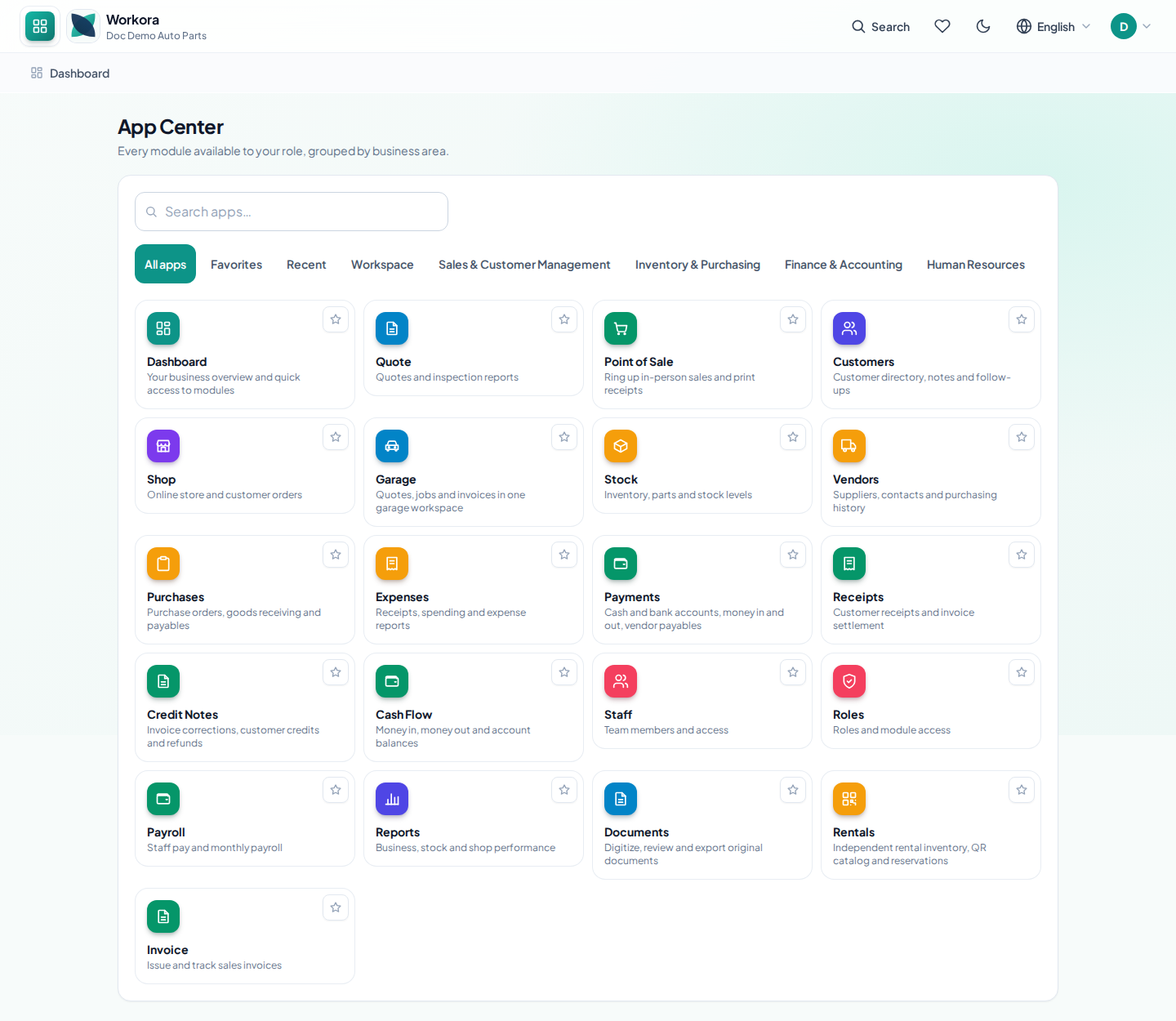
Business use case
A missing screen is resolved in two minutes
A new staff member cannot see Point of Sale. The owner checks the Staff role, notices POS is not granted, adds the module and the staff user sees it on the next navigation refresh. No support ticket is needed.
Result
Understanding role-driven visibility avoids unnecessary escalation.
Tips and common mistakes
- If an answer does not resolve the issue, use the Contact option on the Workora website.
- Do not share public document links in group chats unless every recipient should see the document.
- Documentation is versioned; check that you are reading the version that matches your workspace.