Payroll
Set staff compensation, create a pay run snapshot and record payments with an owner review step.
Overview
Payroll depends on Staff accounts. Each staff member has a compensation profile. Creating a run snapshots the active staff and their compensation so later profile edits do not change past runs. The owner reviews and adjusts items, then pays or voids the run. Payroll can export a run for accounting.
Who this is for
Owners and authorized finance staff managing team pay.
Before you begin
Workora checks access on every request, so a screen only appears when your account is allowed to use it.
- Enable Payroll and Staff
Payroll requires the Payroll module and the Staff business entitlement.
- Create staff accounts
Compensation profiles are attached to staff users.
- Set an account for payments
Paying a run creates outflow payments from a cash or bank account.
Step-by-step guide
Set compensation before creating the run.
- Open Payroll
Go to Payroll and open the Staff tab.
- Set compensation
Choose a staff member and enter salary, allowances and payment details.
- Create a run
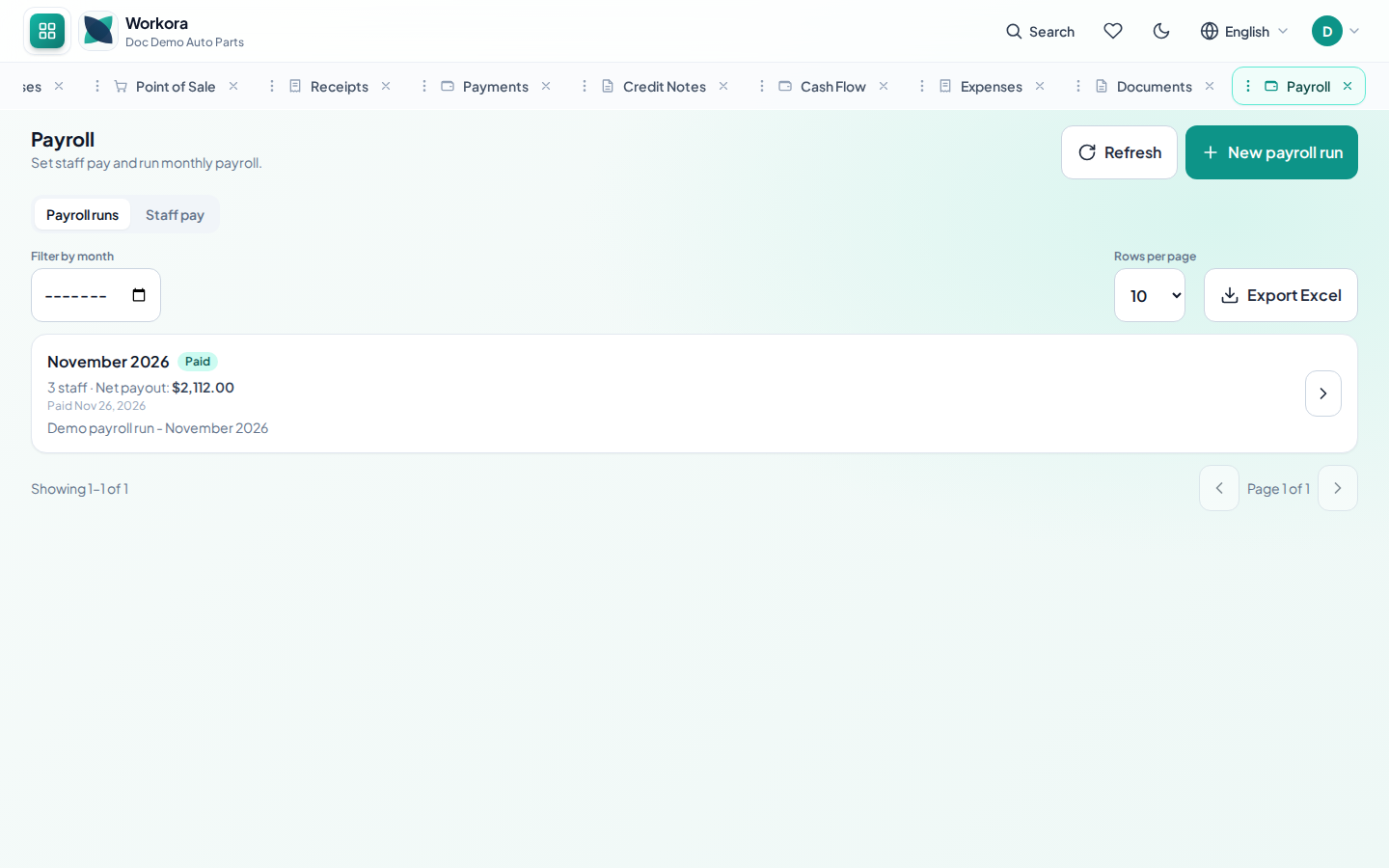
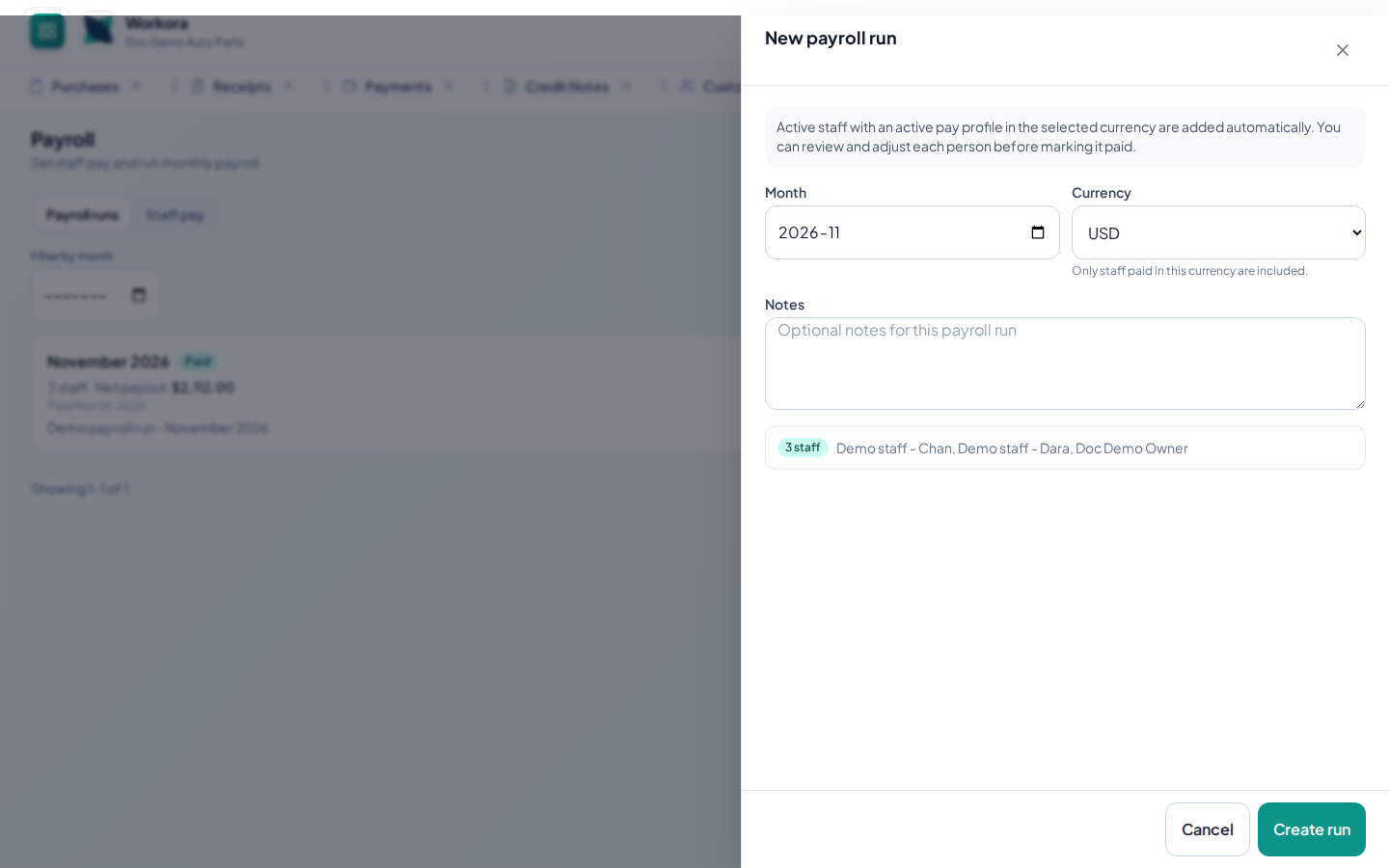
Select New run, choose the pay period and snapshot active staff.
- Review items
Open the run to check each amount. Adjust only with a documented reason.
- Pay the run
Choose Pay and select the account. Completed payments appear in Cash Flow.
- Void if needed
If the run was created incorrectly, void it before paying or after following your correction process.
- Export the run
Download the run for your accounting records.
- Archive old runs
Keep completed runs; they are the historical pay record.
Screens and figures
Pay runs separate preparation, review and payment.
Business use case
Month-end pay without changing history
The owner sets compensation for three staff members and creates a March pay run. One employee receives a raise in April, but the March run still shows the original amount because it was snapshotted. The owner pays the run and exports it for the accountant.
Result
Historical payroll remains accurate even when current salaries change.
Tips and common mistakes
- A run is a snapshot; edit compensation before creating the next run.
- Only owners should approve payment of a payroll run.
- Payroll payments appear in Cash Flow and Reports once complete.