Order management
Review customer orders from the storefront, record or verify payments and move each order to completion.
Overview
Order Management is the back-office side of Online Shop. Each public checkout creates an order with a tracking token. Staff can review order lines, record a payment, verify or void it, update the fulfilment status and reissue a tracking token when a customer loses it.
Who this is for
Shop staff, store managers and owners handling online orders.
Before you begin
Workora checks access on every request, so a screen only appears when your account is allowed to use it.
- Enable Shop
Orders exist only when the Online Shop module is active.
- Publish listings
Customers can only order published products.
- Decide fulfilment states
Agree what each status means for your team.
Step-by-step guide
Work from the order queue each day.
- Open orders
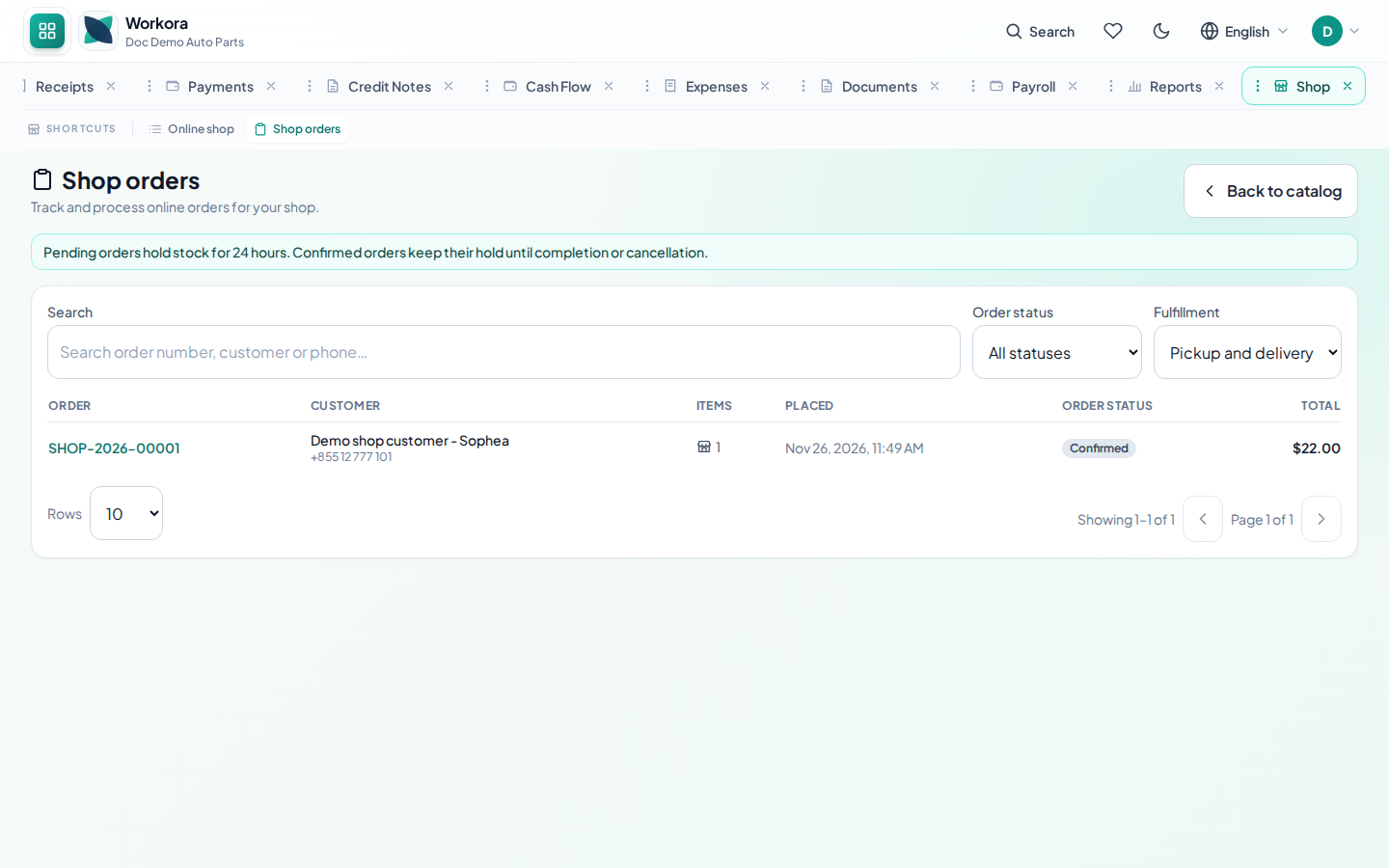
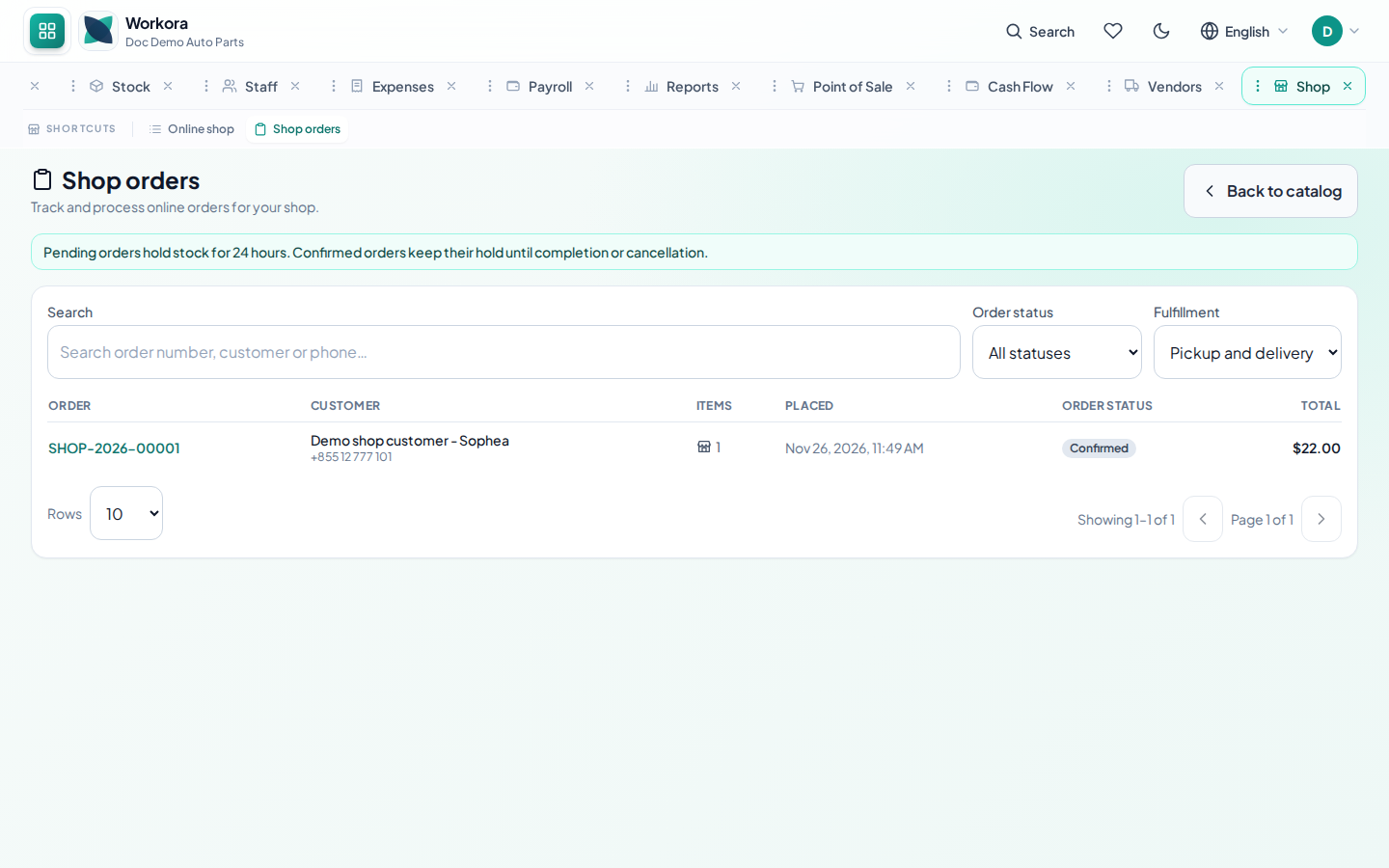
Go to Shop → Orders to see the queue.
- Inspect an order
Open an order to see customer details, lines and the tracking token.
- Record a payment
If the customer paid offline, add the payment details to the order.
- Verify or void a payment
Confirm valid payments or void a failed one so it is not counted.
- Update the status
Move the order through preparation, ready, dispatched and completed according to your process.
- Reissue a tracking link
Use Reissue token when a customer loses the original link.
- Check reports
Review shop reports for order volume and revenue.
- Close the day
Ensure every paid order has a correct status before finishing.
Screens and figures
Order detail keeps customer, payment and fulfilment together.
Business use case
A click-and-collect order is ready on time
A customer orders two published products and receives a tracking link. The shop staff sees the new order, verifies the payment, picks the items from stock and sets the status to ready. The customer uses the tracking link to see the update.
Result
Online orders follow the same operational discipline as counter sales.
Tips and common mistakes
- Treat the tracking token like a secret: it exposes order details without login.
- Voiding a payment does not delete the order; review both records.
- Stock is consumed through the shop checkout process, so do not reduce quantities manually again.